Programs for Students
Hands-on Creative Programs
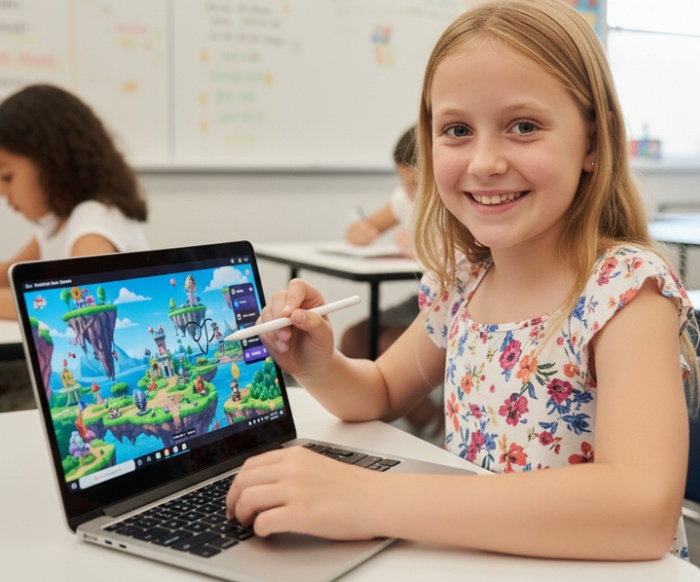
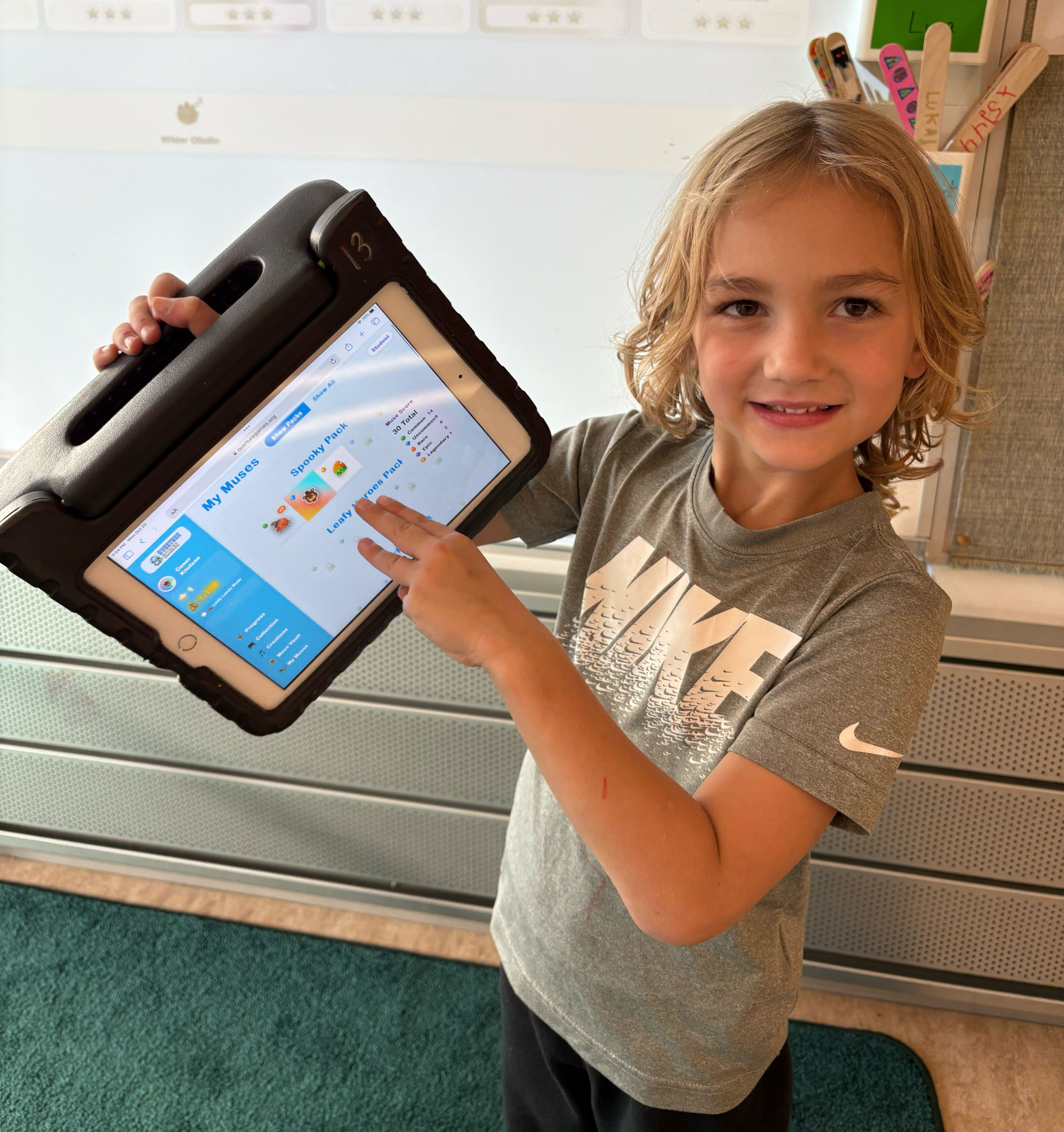
Overture provides a variety of super fun programs! Students can take a class with friends on movie making, entrepreneurship, video game design and even creative AI literacy. Each class culminates in portfolios of characters, stories, 3D models, video games, movies and more.
🎨 Student Creative Portfolios
Class 1: 🧑🎨 Character Creators
Build heroes, sidekicks, and villains with clear traits and motivations students can turn into stories and games.
Class 4: 🎬 Video Producers
Turn a story idea into a punchy trailer concept — scenes, music vibe, and a “hook” — with instructor guidance.
Class 8: 🕹️ Game Developers
Prototype a game concept: objective, mechanics, levels, and art direction — then iterate with a teacher.
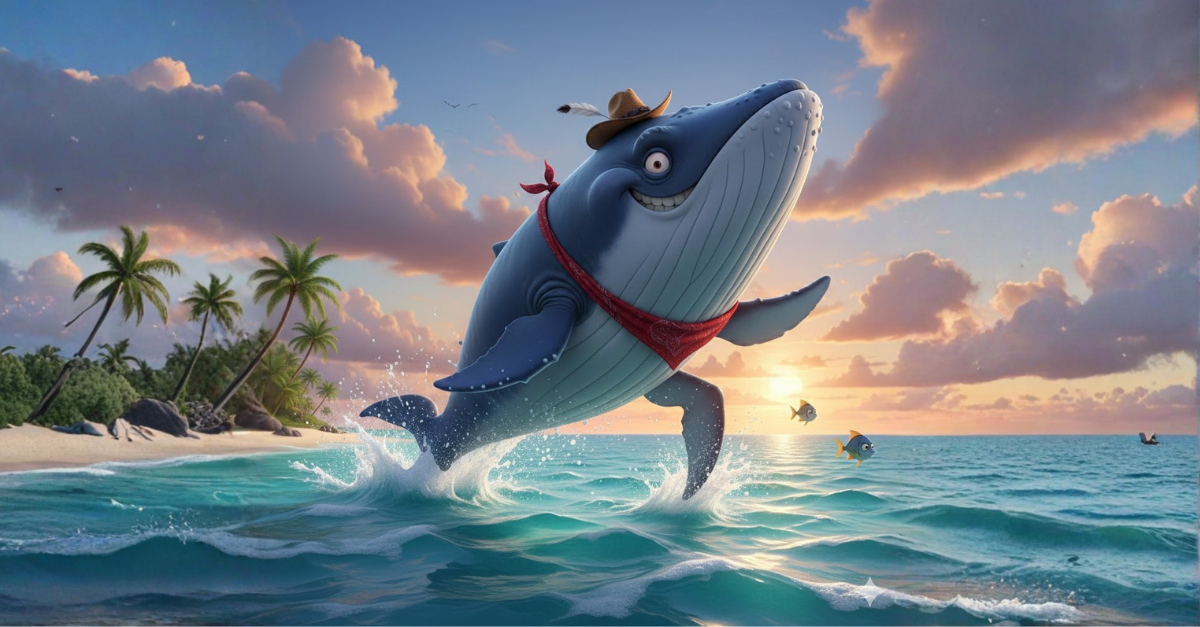
Play Fred the WhaleOverture No-Screen Safety Framework
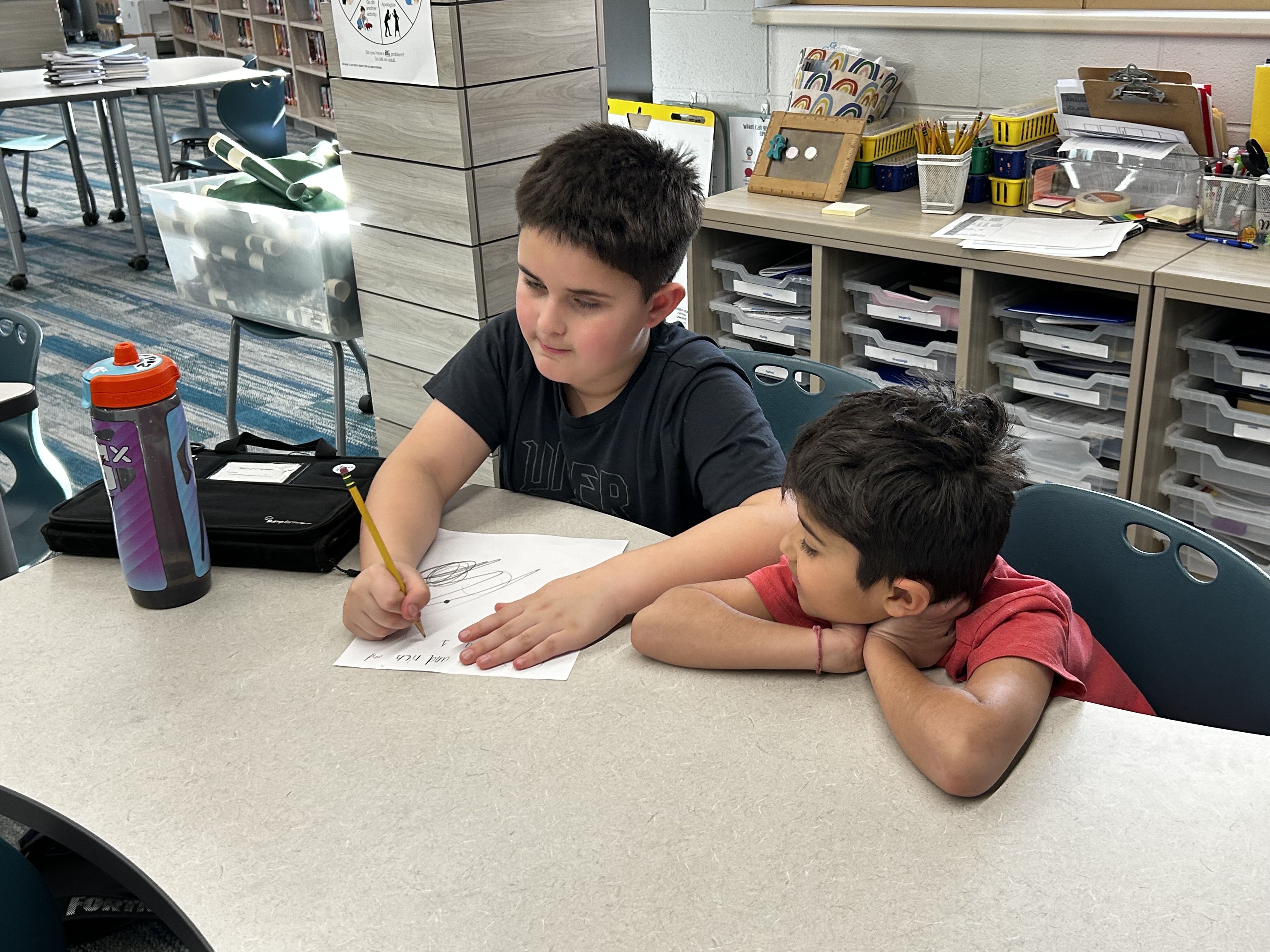
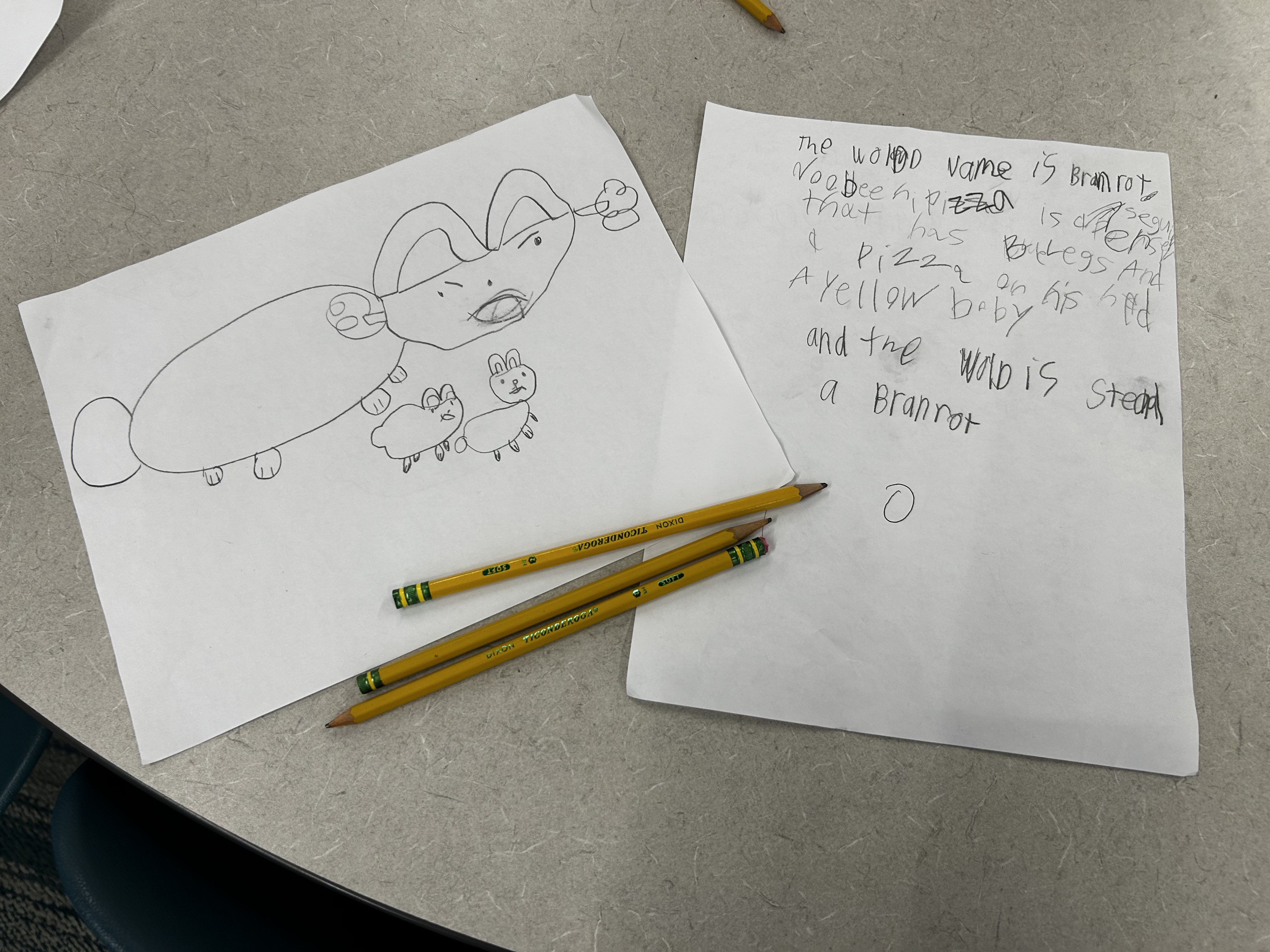
Using this walled garden approach, students do not have direct access to screen time and online tools. Because a teacher guides every sentence, we ensure students:
- A.Don’t share personal information
- B.Develop creative writing skills: grammar, full sentences & complete descriptions
- C.Keep all material appropriate for school
Learning Goals: What Makes a Responsible AI Creator?



- Storytelling
- World Building
- Musical Composition
- Video Production & Editing
- and more
- Game Development
- 3D Modeling & Animation
- Prototyping
- Debugging
- Literacy (reading, writing, grammar)
- AI Literacy (understanding & responsible use)
Safety first
- Online tools are used with clear boundaries, no direct use, and instructor guidance at every step.
- Activities are age-appropriate and designed for safe learning outcomes.
Become a technology expert and create the next Mario, Pokémon, or Star Wars. Your imagination is the only limit. Imagine your child designing their own characters, worlds, and stories, then watching them come to life as videos, 3D animated models, and a published game. At Overture, students start with paper and pencil, then work with instructors to bring their ideas to life using technology in a guided, responsible way. This is our flagship intro program — a first step that blends video game design, movie making, and 3D animation into one hands-on experience. This program was founded by Northwestern University alumnus Aspen and Steven, featured in Forbes 30 Under 30 and Entrepreneur Magazine, and is led by certified instructors. By the end, students will have built a portfolio of videos, 3D animated models, and a published video game they are proud to share.
Ready to see what they can create? Sign up today.